FAQ
Answers to the most common questions about using and integrating Twenty2.
🌐 General
What is Twenty2? Twenty2 is an AI voice calling platform that lets businesses deploy intelligent outbound call agents at scale. You build an assistant once, define its voice, language, and script — then trigger calls to one contact or thousands via the dashboard or API.
Which languages does Twenty2 support?
Twenty2 currently supports Hindi, English and Hinglish.
Is Twenty2 compliant with Indian regulations? Yes. Twenty2 is fully compliant with TRAI's telemarketing regulations and the Digital Personal Data Protection (DPDP) Act. We act as a data processor on your behalf — your customer data is never used to train AI models or shared with third parties.
⚙️ Setup & Getting Started
How do I get started with Twenty2?
-
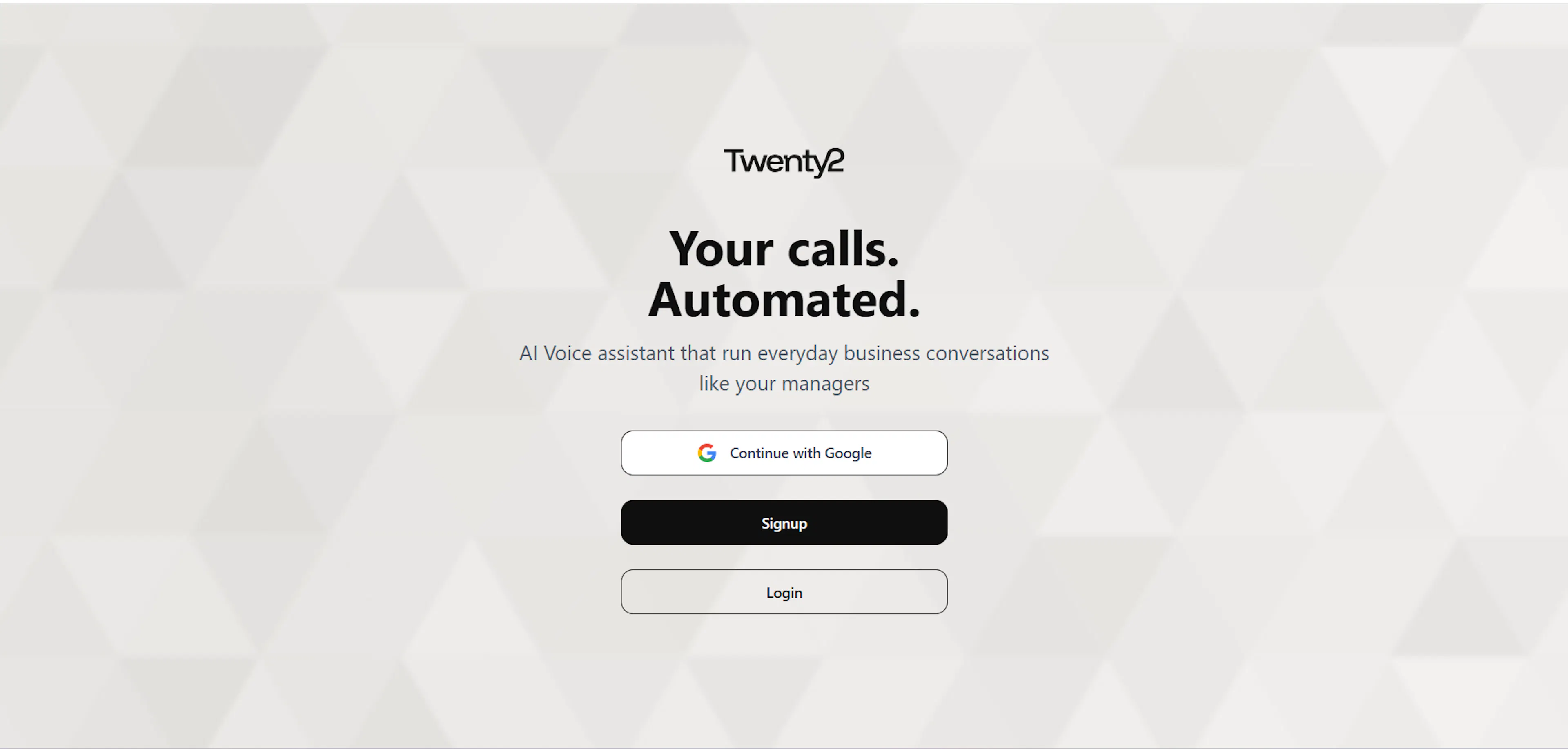
Sign up at twentytwo.in\
-
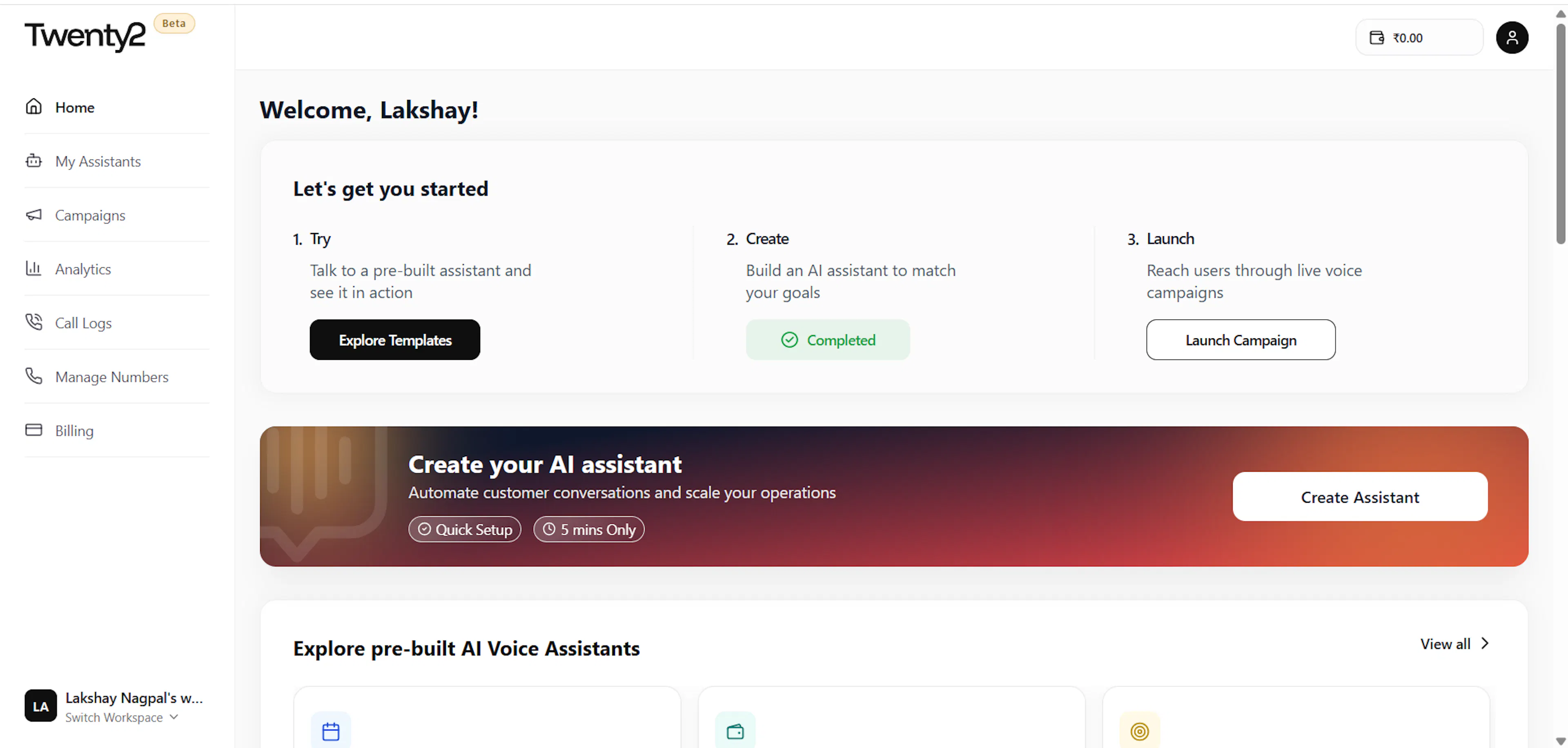
Go to Assistants → Create New and build your first assistant\
-
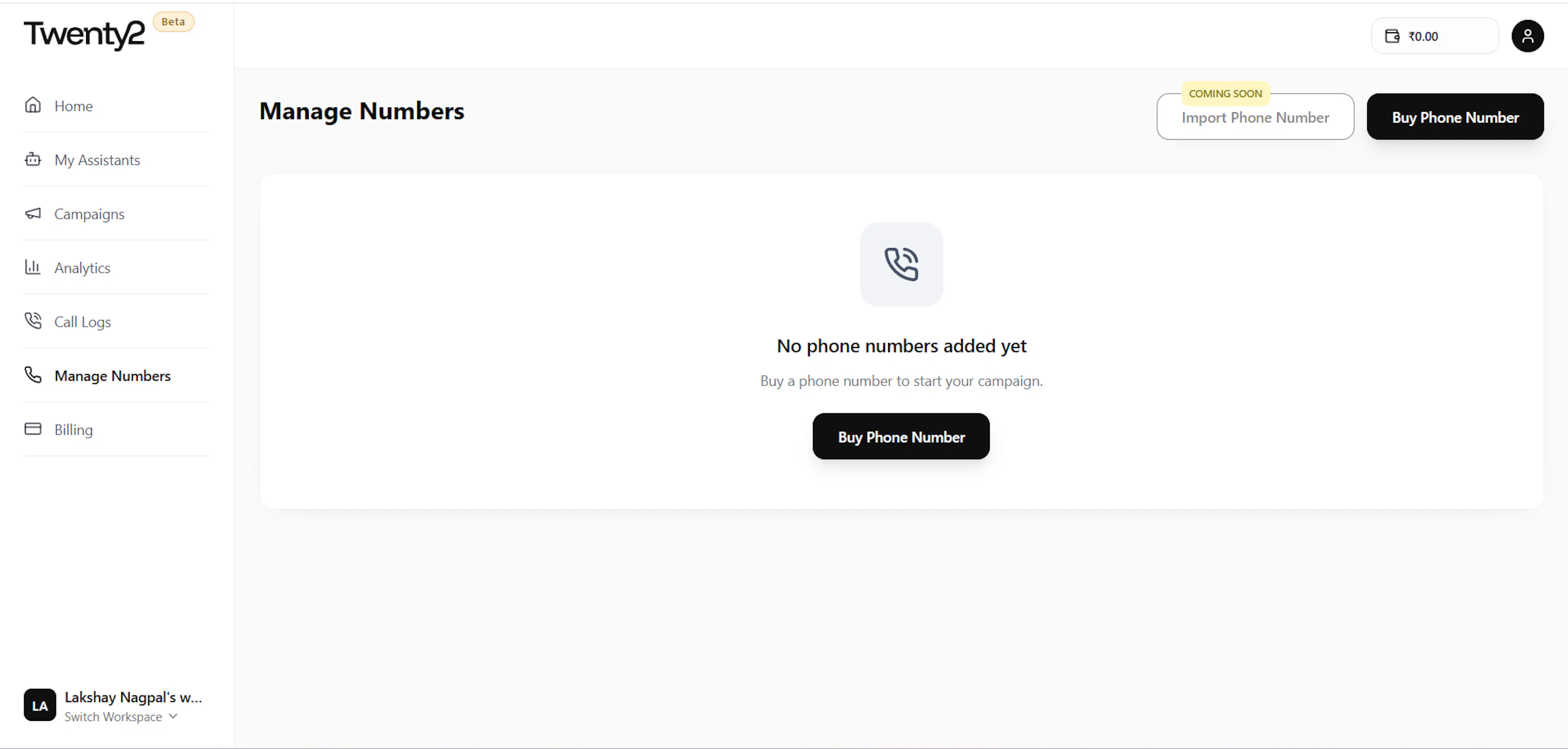
Add a phone number under Telephony → Buy Number\
-
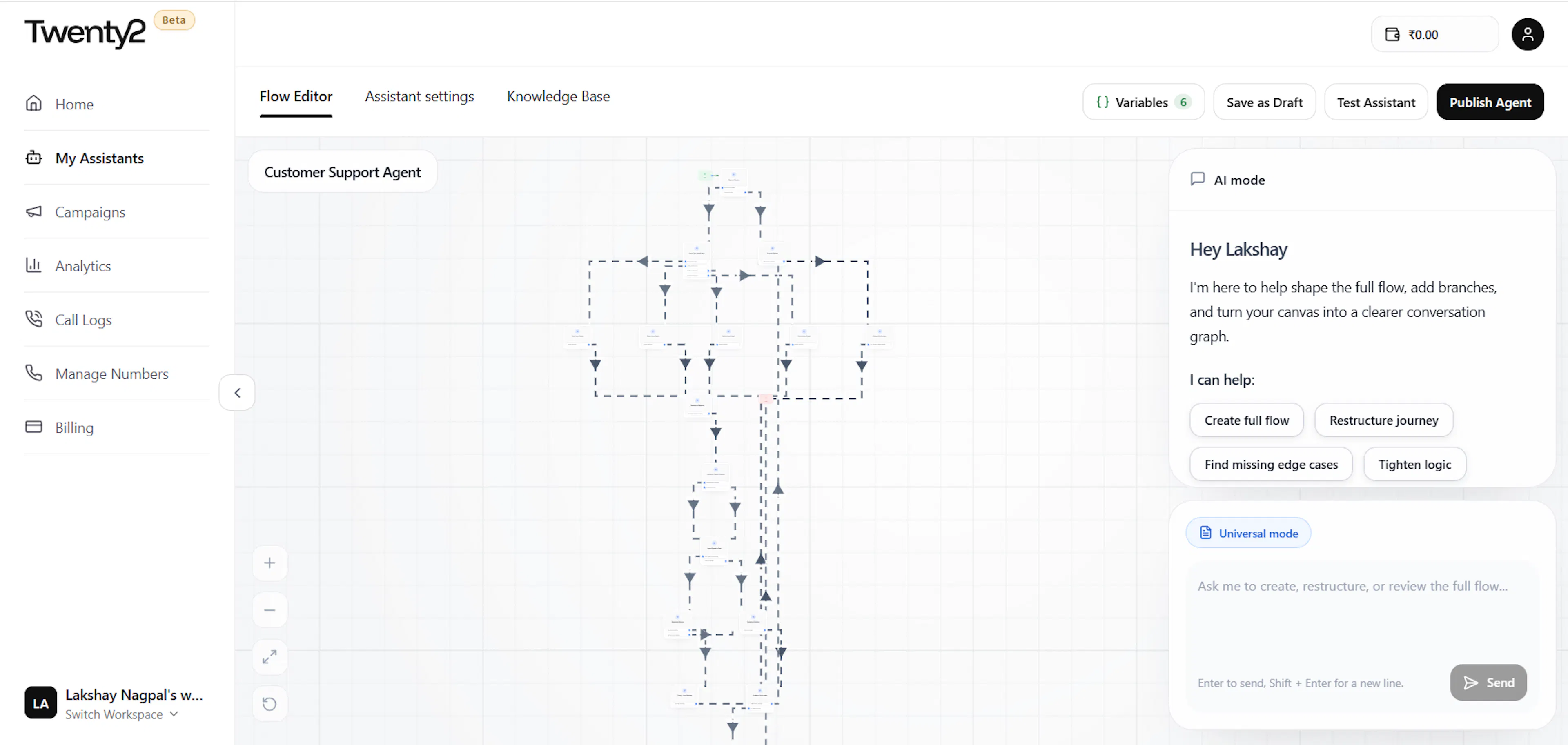
Publish your assistant and trigger your first call via the dashboard or API\
How do I get an API key? Go to Profile → Integrations → Build with Twenty2 API → API Keys → Create New. Your key is shown only once — store it securely as an environment variable.
How do I build an assistant?
Go to Assistants → Create New. You'll define the assistant's name, voice, language, greeting, and script. You can add input variables (like customer_name) to personalise each call, and output variables to capture outcomes (like interested: yes/no).
Can I test my assistant before going live? Yes. Click Test Call on any published assistant to trigger a call to your own number. Test calls are free and don't count toward your billing.
📞 Calls & Assistants
How does billing work for calls? Calls are billed per minute based on actual talk time. Calls that don't connect are not billed.
What happens if a call isn't answered?
The call is marked not_connected and you are not charged.
Can I pass custom data into a call?
Yes — use input_variables in the API request or campaign CSV to pass per-call data like customer name, order ID, or loan amount. These are injected into the assistant's script at runtime.
How do I capture outcomes from a call?
Define output_variables on your assistant (e.g. interested, callback_time). The AI captures these during the conversation and returns them in the webhook payload and call history API.
💳 Billing & Credits
How do I top up my wallet? Go to Billing → Add Credits in your dashboard. You can pay via UPI, net banking, or credit card. Credits are added instantly.
What happens if my wallet hits zero? Outbound calls will be paused automatically. You'll receive an email and dashboard alert when your balance drops below your configured threshold. Recharge to resume calls immediately.
Do credits expire? Credits do not expire on paid plans.
🔒 Security & Compliance
Is Twenty2 DPDP compliant? Yes. Twenty2 is fully compliant with India's Digital Personal Data Protection (DPDP) Act. Your customer data is never used to train AI models and is never shared with third parties.
Does Twenty2 use my data to train AI? No. Your call data, transcripts, and customer information are never used to train Twenty2's AI models. This is a contractual guarantee on all plans including the free tier.
Still have questions? Reach out via Profile → Support — our team typically responds within 2 hours on business days.
Last updated 2 weeks ago
Built with Documentation.AI